Assessment: running exams
Assessment takes a locked paper and runs it as an exam: online, on paper, or both in the same exam. It carries it through marking to results, a report for every candidate, and statistics on how each question worked.
Setting up an exam
- Choose a locked paper and a version of its marking scheme, then set the time allowed and an optional start window.
- Add candidates one by one or from a spreadsheet, each sitting online or on paper, with extra time where needed.
- Print sign-in slips. Each candidate signs in with the exam's code, their candidate number and a secret that is shown once and stored only as a hash.
- Decide the paper language: candidates choose English or Chinese before they start, staff assign it, or candidates may switch during the exam. Exams in the same series (say, a mock's Papers 1A, 1B and 2) keep each candidate's language across the papers.
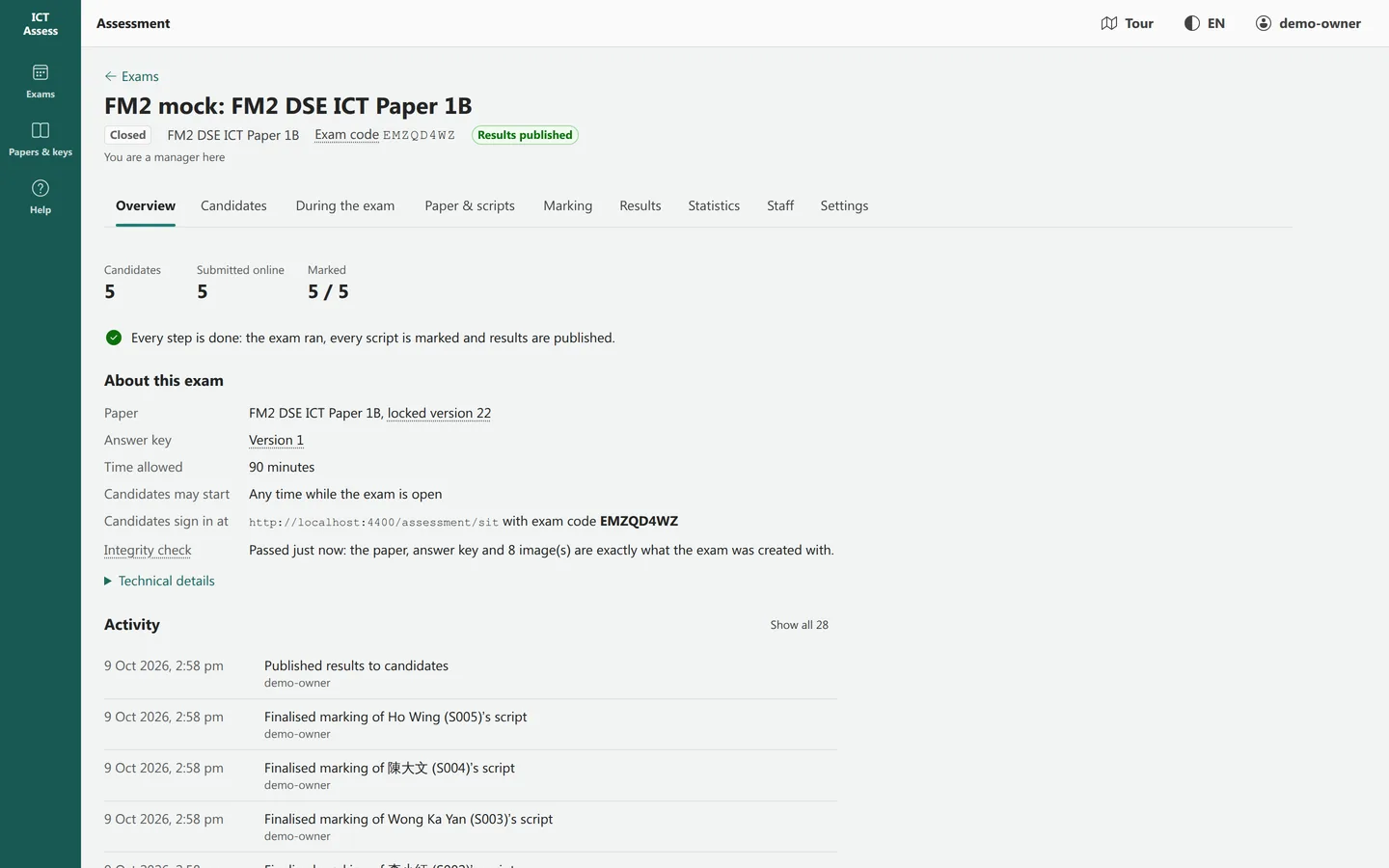
During the exam
- The server keeps time: each candidate's deadline is fixed when they start, and time can only be extended. Answers still open when time runs out are submitted.
- Answers save as the candidate types and survive a lost connection; a submitted script is frozen.
- Candidates see the paper and nothing else: never the marking scheme. Multiple-choice options can be shuffled per candidate.
- Invigilators watch the room live: who has started, who is writing, who has submitted. They can add time, reissue a slip or submit for a candidate.
- For paper candidates, the exam prints the right number of copies in each language, and the scanned scripts are stored with the exam.
Marking
- Multiple-choice, short and numeric answers mark themselves on submission. Paper answers are typed in, ticked as letters, or imported from a spreadsheet.
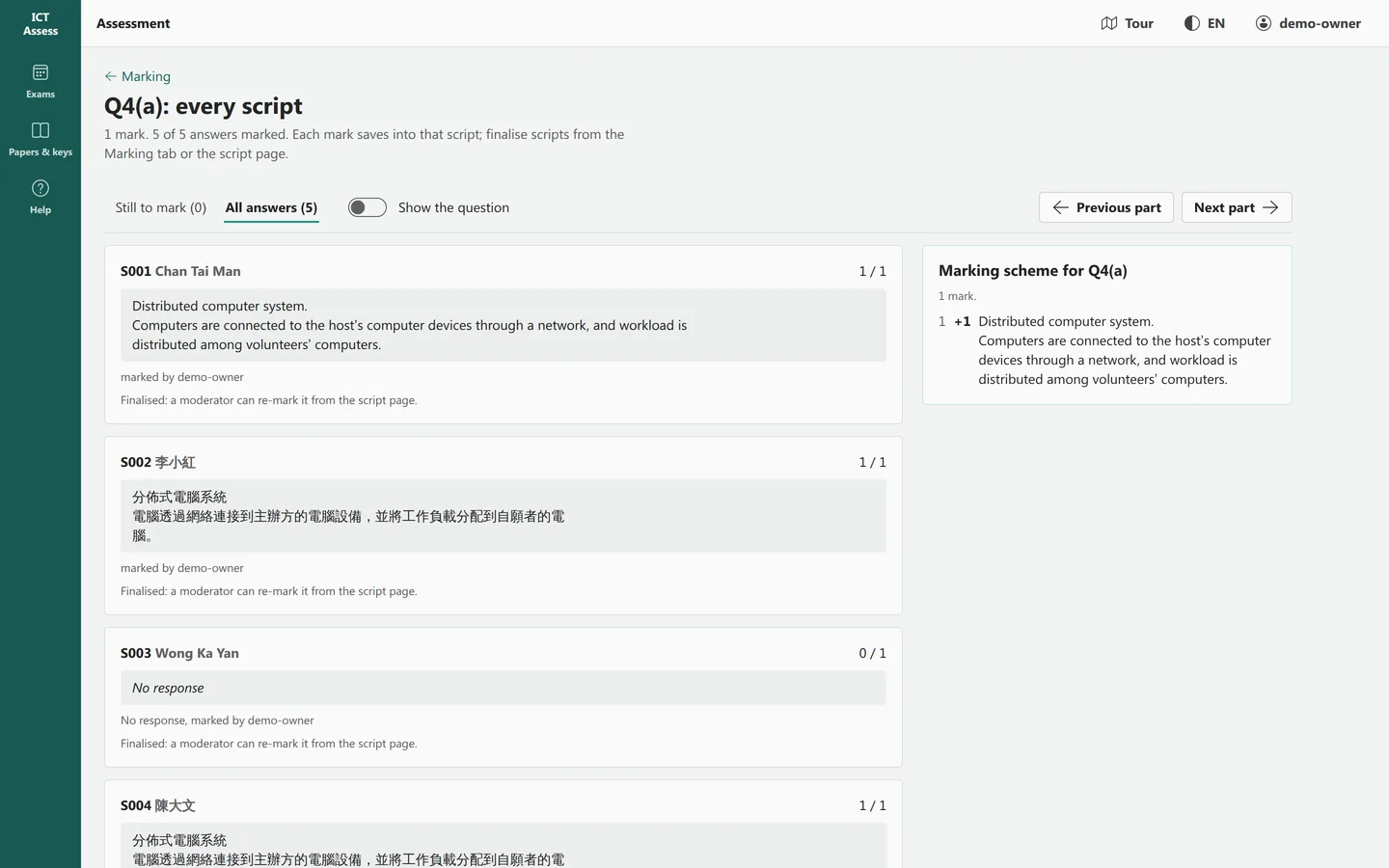
- Written and code answers are marked against the scheme's marking points, or given a mark directly, with feedback for the candidate and notes for other markers.
- Mark a whole script at a time, or one question across every script with the scheme beside the answers.
- Scanned scripts open in a viewer where markers can annotate the page.
- Double marking is blind: two markers work independently, the marks are reconciled, and large differences are flagged for review. Re-marking, with a corrected scheme if needed, keeps the earlier marking on record.
- For questions asking for a whole program, markers can add test cases. One Python checking script tests Python, Pascal and C++ answers, as well as SQL and spreadsheet formulas. The marker sees which cases pass; the mark is still theirs to give.
Results and reports
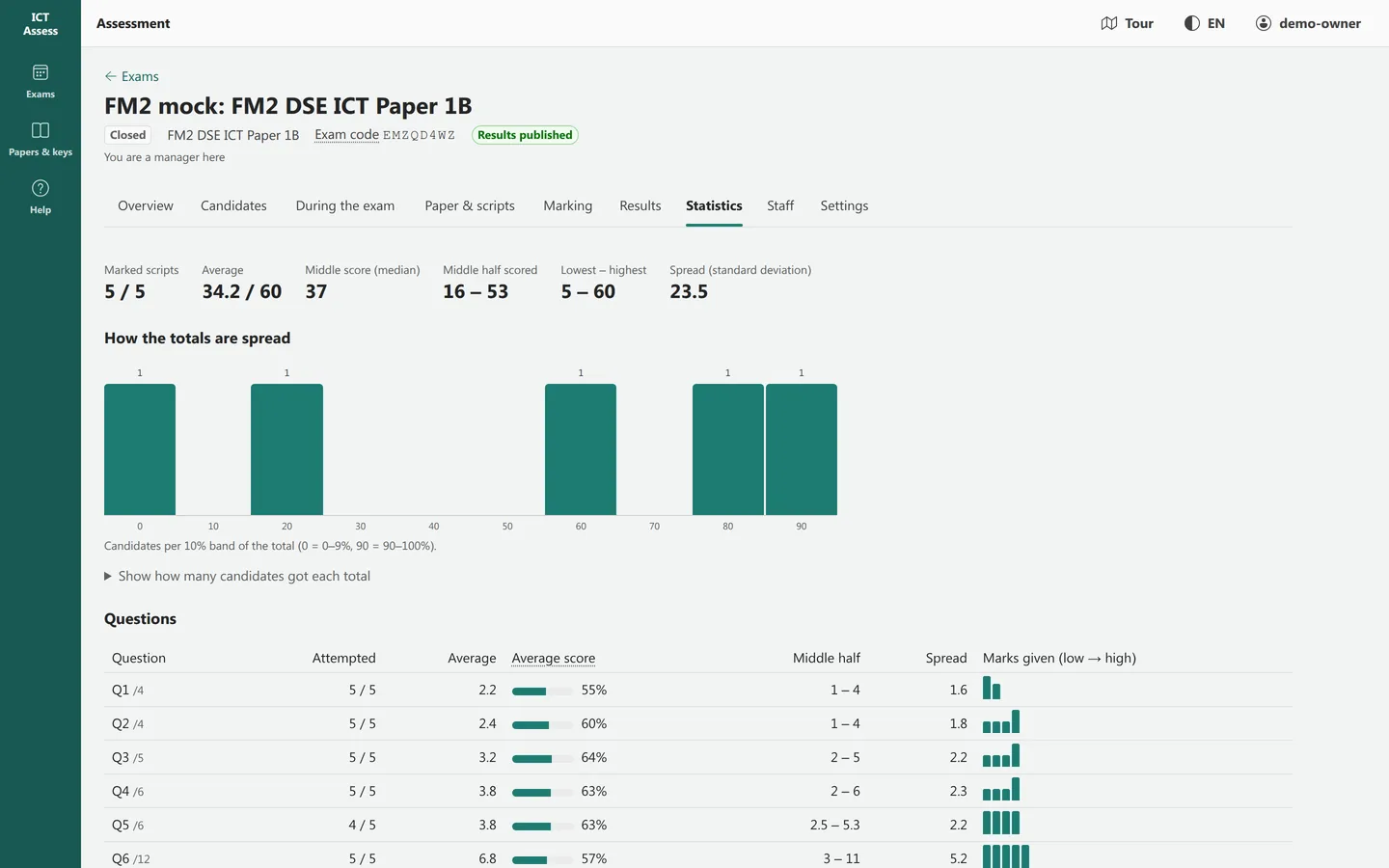
Totals, percentages, grades from your boundaries and rank are worked out from the marking, never typed in. For Paper 2, an exam can count each candidate's best two sections. Each candidate gets a report: marks per question and part, the marker's feedback, comments, and optionally rank and cohort figures. Reports open as web pages or download as one PDF, in the language the candidate sat. Candidates see their own result only once you release it.
Analysis
| Measure | What it tells you |
|---|---|
| Score distribution | Mean, spread, quartiles and the shape of the marks |
| Facility | How hard each question and part was: the average mark as a share of the maximum |
| Discrimination | Whether a question separated stronger from weaker candidates (item-rest correlation) |
| Distractors | For multiple choice, who chose each option and how they did overall |
| Omissions | How many left a question unanswered |
| Sections and topics | Average performance per Paper 2 section and per topic |
| Marker agreement | For double-marked scripts, how often the two markers agreed exactly |
| Across exams | The same question's figures from other exams that used it |
Who does what
| Role | Can |
|---|---|
| Manager | Everything: settings, candidates, staff, the exam's progress, moderation and release |
| Invigilator | The live view, sign-in slips, extra time, submitting for a candidate, scans and printing |
| Marker | Mark and finalise scripts, or only the questions allocated to them |
| Viewer | Read candidates, progress, results and statistics |
What it does not do
- One paper per exam: weighting several papers into one result is not built in.
- No optical mark reading: answers on paper are entered by staff.
- Autosave keeps each answer's latest version, not a keystroke history.